Free estimate template
Free estimate template — fill it in online, download a PDF
Win the job before you start it. Pick a layout, drop in your line items, and download a clean quote your client can approve in minutes. Every template is free — no signup, no email wall, no watermark. Quote it now, and when it’s approved, it’s ready to bill.
What is an estimate (or quote)?
An estimate — also called a quote — is a written proposal for what a job will cost, sent before the work begins. It lays out the scope, breaks the price into line items, and gives the client a single total to say yes to. A good estimate does two things at once: it helps the client decide, and it protects you, because the price was agreed up front and put in writing.
Need the bill side of the story? See how an estimate and an invoice differ in estimate vs. invoice, then jump to the estimate generator when you’re ready to build one.
Templates by style
The same simple builder sits underneath each one — the style is just how it reads to your client. Tap any card to open the generator and make it yours.
Clean & classic
Black-on-white, a tidy line-item table, room for your logo up top. The safe choice that reads as professional anywhere.
Best for: consultants, agencies, anyone who wants no surprises.
Use this template →Modern minimal
Lots of white space, a single accent color, a quiet header. Looks great on screen and prints clean.
Best for: designers, photographers, studios.
Use this template →Bold header
A confident colored band across the top with your business name front and center. Easy for clients to recognize.
Best for: trades, contractors, service businesses.
Use this template →Scope-and-options
Built to break a job into options or phases — good/better/best, or stage one and stage two — so the client can pick before they approve.
Best for: remodelers, agencies, project work.
Use this template →How an estimate becomes an invoice
An estimate isn’t the end of the paperwork — it’s the start of it. Most jobs follow the same four beats, and the smoothest setups carry one document straight to the next so you never retype a thing.
-
1 You estimate
You send a written quote with the scope, the line items, and a total — so the client knows the price before any work starts.
-
2 They approve
The client says yes (ideally in writing). That approval is your green light and your proof you both agreed on the same number.
-
3 You invoice
When the work is done, the approved estimate becomes an invoice — same line items, same totals, now with a due date and payment terms.
-
4 You get paid
The client pays against the invoice. Because the price was agreed up front, there’s nothing to argue about — it just gets paid.
When the job’s done, you don’t start over — you grab a free invoice template or open the invoice generator and bill the work you already quoted.
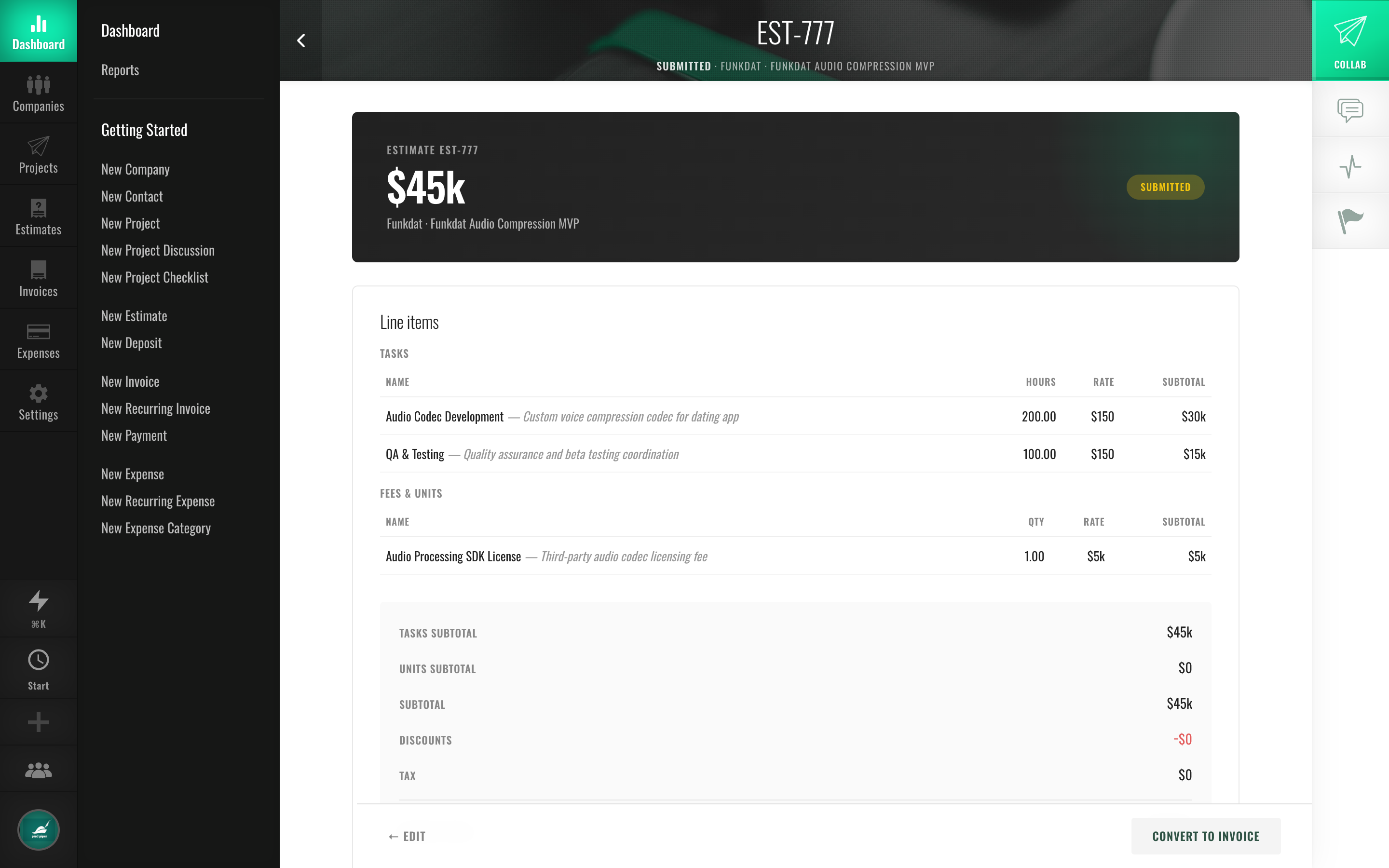
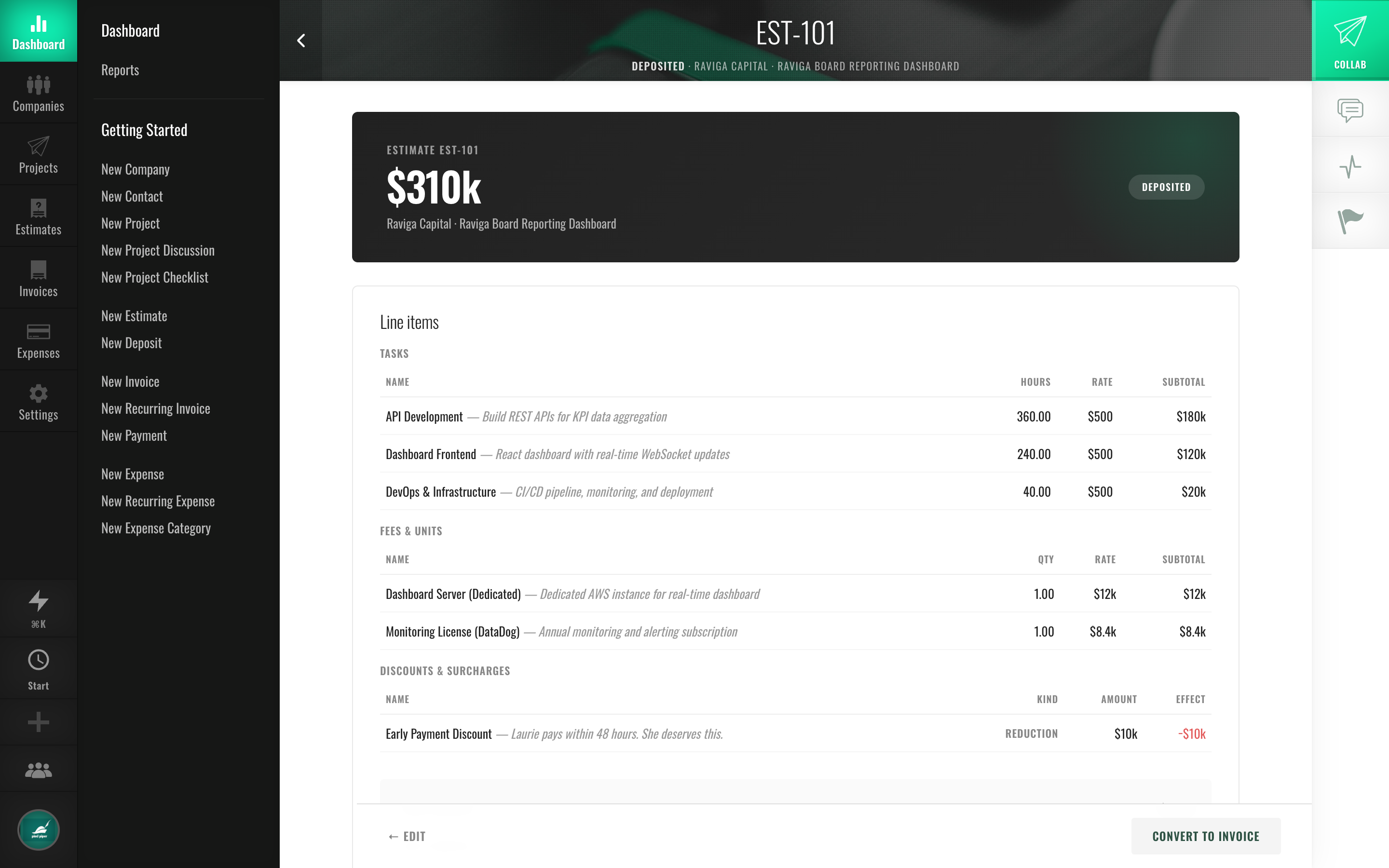
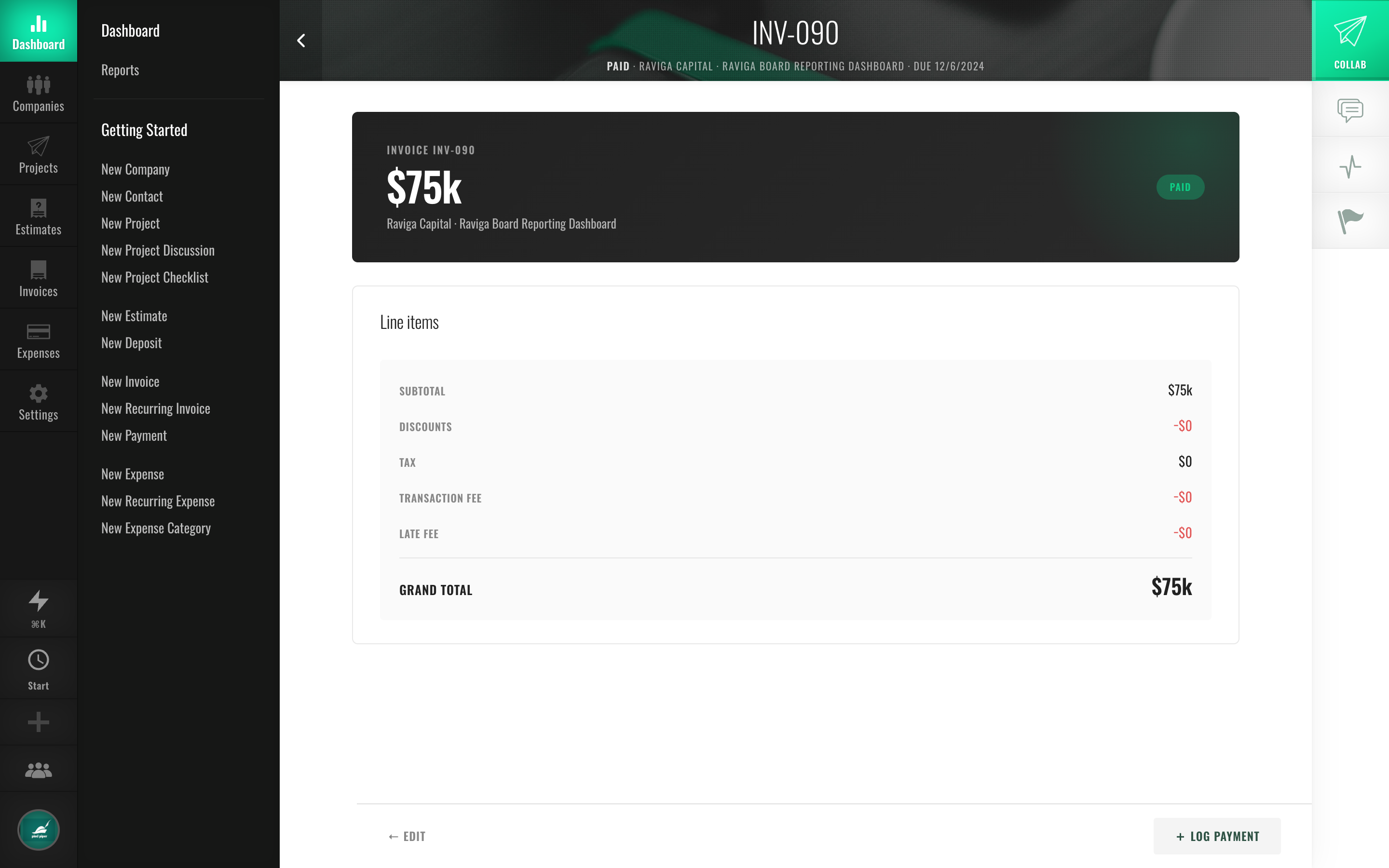
Fill in your estimate template
Add your business and client details, list the work, and watch the total update live. Set how long the quote stays valid, add tax or a discount, then download the PDF — no signup.
Templates by profession
Whatever you quote for, the essentials are the same — your details, your client’s, the scope, and the total. Pick your trade for a template with copy that already fits.
Don’t see your trade? The builder above works for any kind of work — start there.
What should an estimate include?
A complete estimate leaves no room for “wait, I thought it included…”. Cover these and you’ll get a faster yes and a cleaner job:
- Your business details — name, address, and contact info, so the client knows exactly who’s quoting.
- The client’s details — who the quote is for, addressed to the right person.
- A unique estimate number — EST-001, EST-002, and so on, to keep your records tidy and look professional.
- The date and an expiry — when you issued it and how long it stays valid (most quotes are good for 30 days).
- An itemized breakdown — each piece of work with a description, quantity, and rate, not one mystery lump sum.
- The total — subtotal, any tax or discount, and the final number in bold.
- Scope notes — a line on what’s in and what isn’t. One sentence now saves an awkward conversation later.
Every template here covers all of it by default — and the line items you set are the same ones that carry over when the quote becomes an invoice.
Estimate vs. quote vs. proposal
People use these words loosely, but there’s a useful distinction:
- Estimate — your best-judgment figure for what a job should cost. The word “estimate” signals the final bill could move a little if the work does.
- Quote — a firm, fixed price for a defined scope. A quote says “this is the number” and holds as long as the scope doesn’t change. In everyday use, most people treat estimate and quote as the same document — and so does this tool.
- Proposal — the bigger pitch. It wraps a quote inside context: the problem, your approach, timeline, and why you’re the right fit. A proposal sells; an estimate or quote prices.
For most freelance and small-business jobs, a clear estimate or quote is all you need — and that’s exactly what you can build below.
How to write an estimate that wins the job
- Be specific about scope. “Kitchen remodel” loses to “Remove and replace 18 ft of cabinetry, install client-supplied countertop, repaint two walls.” Specificity reads as competence.
- Itemize instead of lumping. A breakdown lets the client see value and trim options without killing the whole job.
- Offer a choice when you can. Good/better/best or phase one/phase two turns “yes or no” into “which one” — and that wins more work.
- Name what’s excluded. Stating what isn’t included is what stops scope creep before it starts.
- Put an expiry on it. A valid-until date nudges a decision and protects your pricing.
- Make approval easy. Tell the client exactly how to say yes. The faster they can approve, the faster you start — and bill.
Sending the quote is half the battle; getting paid afterward is the other half. See the whole arc, from first email to paid, in how to invoice a client.
Frequently asked questions
Are these estimate templates really free?
Yes — every template is free to use, with no signup, no email wall, and no watermark on your PDF. Make as many quotes as you like.
How long should an estimate stay valid?
Thirty days is the usual default and what this tool prefills — long enough for the client to decide, short enough to protect you if your costs change. Adjust the “valid until” date to whatever suits the job.
Is an estimate legally binding?
An estimate is a proposed price, not a contract — it tells the client what the work should cost. It becomes binding when they approve it and you both agree to proceed, which is why getting that approval in writing matters.
Can I turn an accepted estimate into an invoice?
Not from this one-off PDF tool — you’d rebuild it by hand. That hand-off is the whole point of Fee-Lion. Send the estimate, and when your client approves it, convert it to an invoice in one click — Fee-Lion then sends it, reminds late payers, and collects via Stripe. Free for 14 days, no card.
Want to start somewhere else?
Jump into the estimate generator, grab a free invoice template, make one with the invoice generator, or read up on estimate vs. invoice.